
No signal? No problem.
Capture, draw and pin without a connection. Share when you’re back online.
Mark up site photos, add numbered pins and export PDF snag reports.
Works offline. No account needed.
How it works
Three steps, one screen at a time. No project setup, no forms, no waiting for signal.
Take a photo or import one. Circle the problem, draw an arrow, add a note. Leave no room for guesswork.
Draw & annotate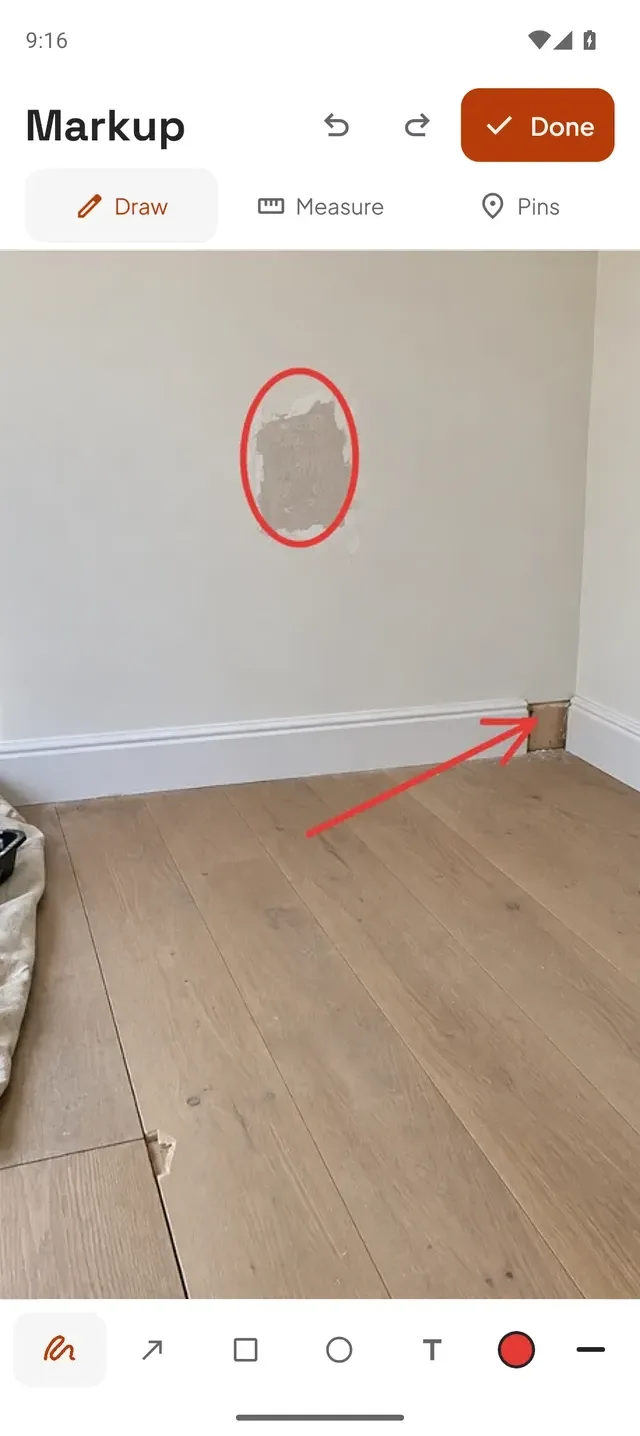
Numbered pins connect each issue to its exact spot. Keep the photo and the explanation together.
Pin & describe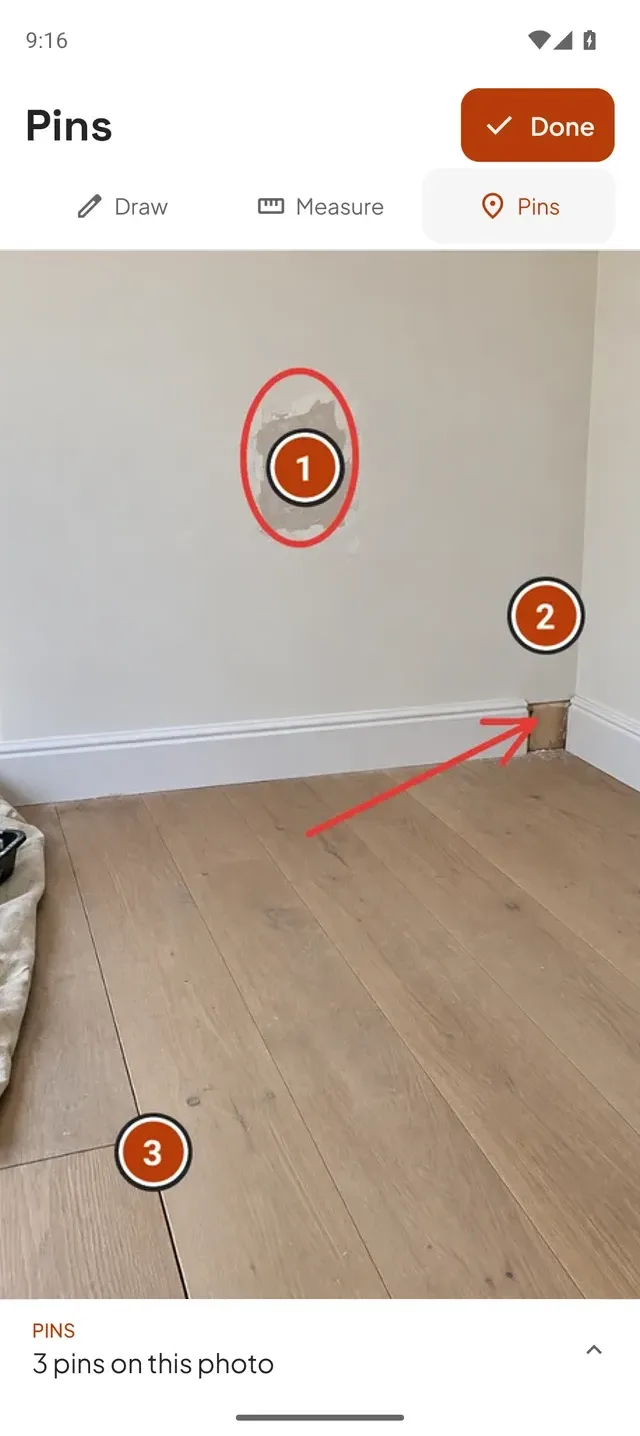
Export an annotated image or PDF report. Send it to the next trade, the client, or whoever needs the full picture.
Export & share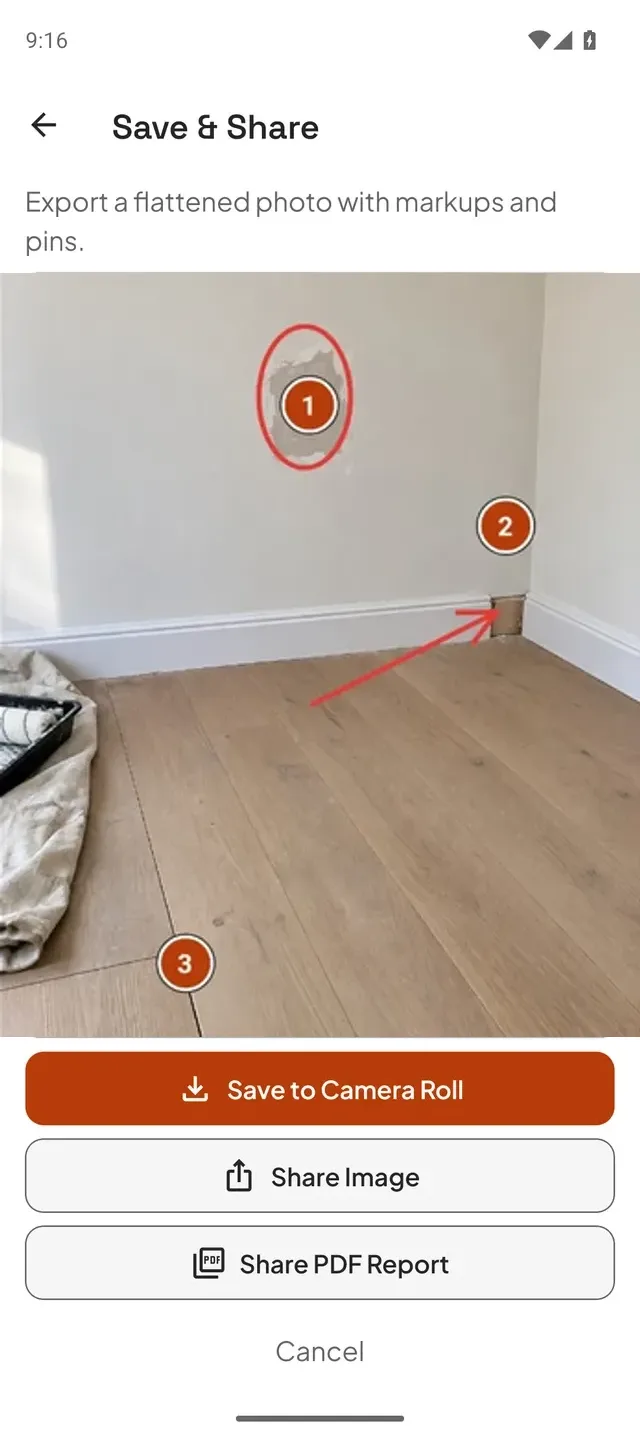
Photo markup
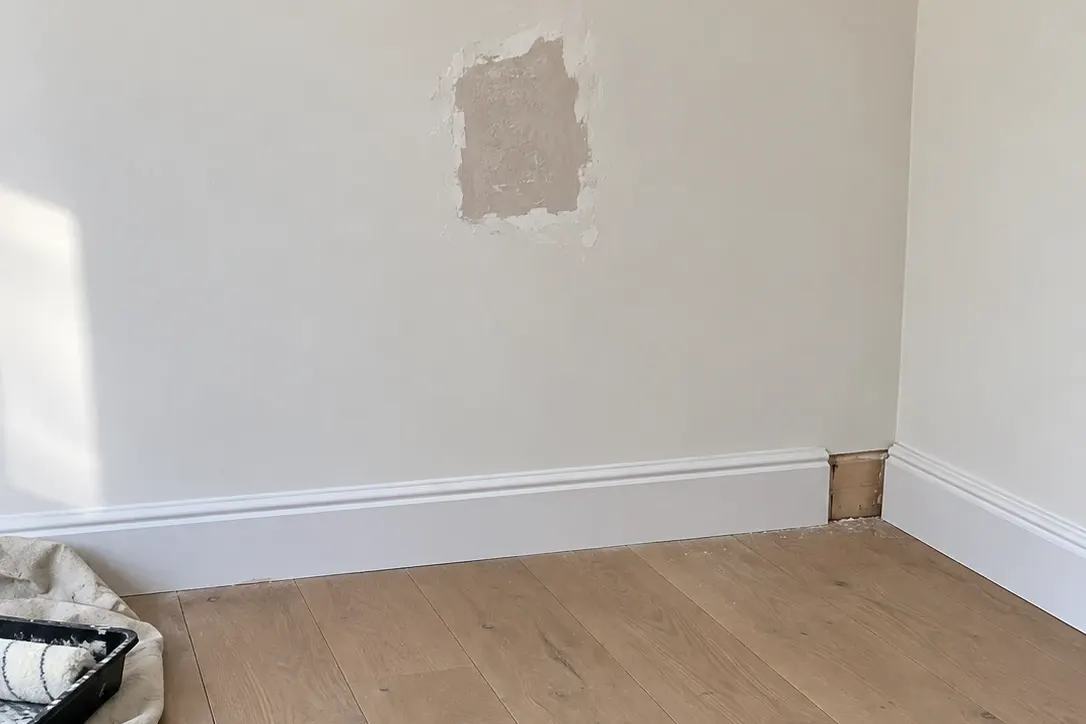
PDF snag reports
The marked-up photo and numbered notes, together in one PDF. Ready for the next trade, the client, or whoever is putting it right.
Exported from Drawpin. Fictional demo project.

Built for site life
Basements. Busy fit-outs. Final inspections. A simple tool that works where you do.
Capture, draw and pin without a connection. Share when you’re back online.
No sign-ups, passwords or project setup. Start with the photo in front of you.
Your photos and annotations stay on your device. You choose what to export and share.
Share an image or PDF through WhatsApp, email or Messages. Recipients don’t need a Drawpin account.
Who it’s for
Site teams
Site supervisors, handover inspectors, MEP and fit-out contractors, and property managers who need to record snags and explain the next fix.
Home buyers
Walk through your new home, photograph each defect, mark exactly where it is and send your builder one clear PDF.
Site supervisors, handover inspectors, MEP and fit-out contractors, and property managers who need to record snags and explain the next fix. It also suits home buyers checking a new build. Take a photo, mark the issue and hand over a clear report.
Yes. Record unfinished work or defects with photos, numbered pins and notes, then export a PDF report. Whether you call it a snag list or a punch list, Drawpin helps you show the next person what needs attention. More on punch lists.
Yes. Photograph each defect, circle it, add a numbered pin and a short description, then export a PDF to send to your housebuilder. Our new-build snagging checklist covers what to look for, room by room.
Yes. Take photos, drop pins, draw markups and write notes without a connection. Sending a report through email or a messaging app needs a connection when you’re ready to share.
No. Open Drawpin and get started. The people receiving your reports don’t need a Drawpin account either.
Choose “Save or Share” on the review screen and export a PDF report, or share the marked-up image. Send it through WhatsApp, email or Messages, or save it to your phone.
Drawpin is coming soon to the App Store and Google Play. Email us and we’ll tell you when it launches. Reports are standard PDFs and images, so anyone can open them on any device.
Your photos and annotations stay in your device’s local storage. You decide what to share and who to share it with. Read our privacy policy for more details.
Coming soon to iPhone & Android
Mark up site photos, add numbered pins and export PDF snag reports.
Works offline. No account needed.