
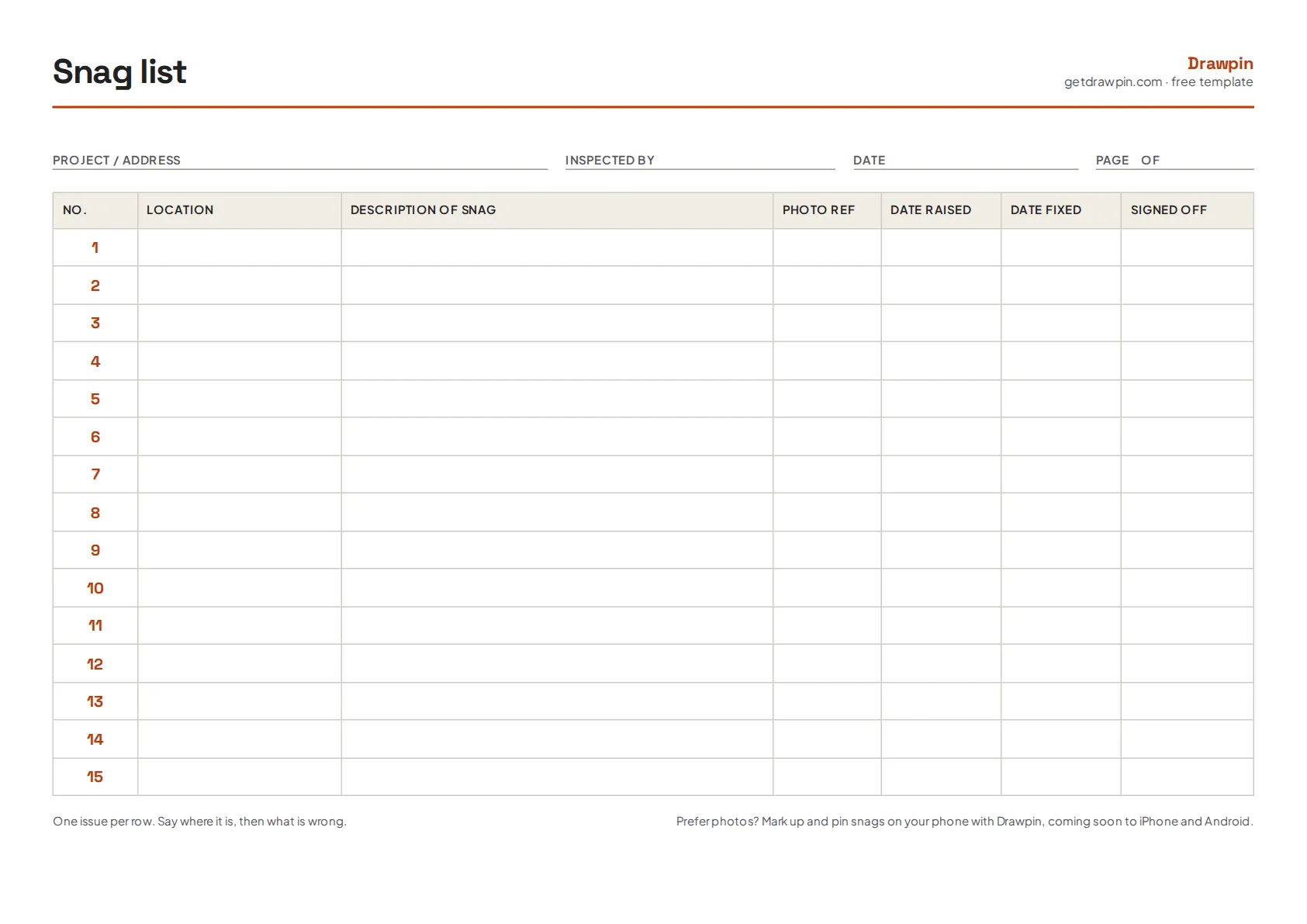
What’s in the snag list template
| Column | What to write |
|---|---|
| No. | Pre-numbered 1–15. Use extra pages for longer lists and carry the numbering on. |
| Location | Room or area and position, e.g. “Kitchen, left of hob”. |
| Description of snag | What is wrong, as a fact: “Chip in worktop edge, approx. 2 cm”. |
| Photo ref | The photo or pin number that shows it. |
| Date raised | When you recorded it. |
| Date fixed | When it was put right. |
| Signed off | Initials of whoever checked the fix. |
How to use it
- Fill in the header. Project or address, who is inspecting and the date.
- Walk in a fixed order. Room by room: ceiling, walls, windows, floor, doors, fittings. Our snagging checklist lists what to look at.
- One snag per row. Location first, then what is wrong.
- Reference a photo for every row. It’s the fastest way to settle “which one?”
- Close it out. Record the fix date and sign off each item once it’s checked.
Paper or phone?
Paper is quick and needs no battery. The downside is that the description and the photo live in different places, and someone has to match them up. Drawpin keeps them together: circle the snag on the photo, drop a numbered pin, write the note, then export one PDF with the marked-up photo and the numbered list. It works offline and needs no account.
Free to share
You’re welcome to print and share this template with your team or clients.